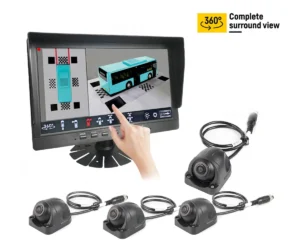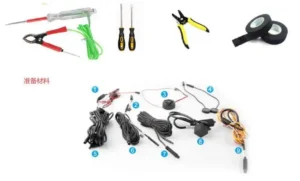
A system integrator wanted a new monitor that would take the same 13-pin plug as the old one. There was a second requirement tucked into the same email: the display had to handle both CVBS and AHD cameras. The buyer offered to send the cable configuration. That drawing was the most useful next step.
If you’re buying a replacement, there are two questions here.
- Does each wire land where the new monitor expects it?
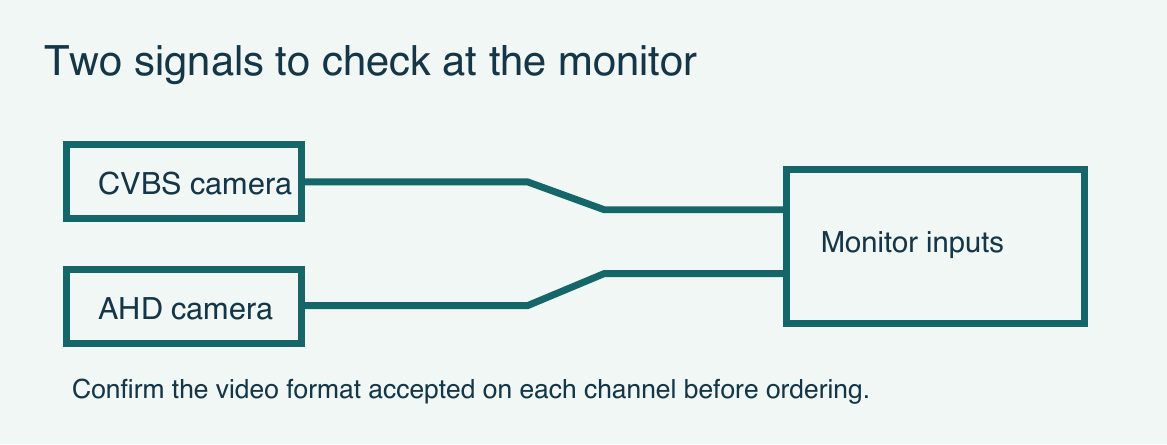
- Can that input display the signal the camera sends?
A connector photo helps identify the plug. It can’t answer either question on its own.
Look at the drawing from the same side
Send the supplier the monitor model, a photo looking straight into the plug and the harness drawing. Ask them to match the power, ground, video and trigger pins. Check which side each drawing shows: a view into the connector and a view from the wire side can look like mirror images. Get the assignments confirmed before applying power.
Describe what the driver should see
For example, suppose the rear camera sends CVBS and the side camera sends AHD. You want the rear view to come up in reverse and the driver to be able to select the side view afterwards. Give the supplier those two requirements, along with the AHD camera’s resolution and frame rate. If the driver needs both pictures on screen together, ask about that separately.
Once the wiring is confirmed, try the sample with the harness and cameras you plan to keep. Select the side view, engage reverse, then release it. Does the correct picture appear at each step? That short test tells you more about the replacement than a photo of a matching plug.