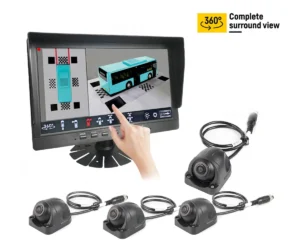
AI-generated application illustration; not an actual installation or an approved equipment layout.
A fuel tanker can have a 2TB hard drive in its mobile DVR (MDVR) and still have no footage of what happened during unloading. The hard drive may be perfectly healthy. The problem is that the recorder had no power at the time.
This was one of the issues raised during a fuel tanker CCTV project we discussed with a customer. Their initial requirement was to retain at least three days of recordings. They also wanted motion detection to reduce storage consumption, backup power for nighttime recording and alarms at a central monitoring station.
For this type of project, I would normally start with continuous loop recording during the required operating hours, provided that the recorder’s overwrite behaviour has been verified. Then I would calculate the storage capacity and work out how to maintain power during any additional periods when recording is both required and permitted. A larger hard drive alone cannot solve all three problems.
What does three days of recording actually mean?
There is a difference between keeping the last 72 hours of continuous footage and keeping footage from the last three working days. A tanker recording for 12 hours a day generates only 36 hours of video over three days. If nighttime parking is also to be monitored, that same vehicle may need to record for 72 hours.
In our original discussion, the customer reported using a 2TB hard drive. They also explained that the vehicle’s power was switched off during fuel loading and unloading for safety reasons, which caused the MDVR to lose power. The original three-day retention requirement therefore did not, by itself, define the recording schedule.
Several months later, the customer asked about retaining at least 30 days of footage from two to four cameras without manual intervention. That was a much more demanding specification, particularly in terms of automatic storage management. I would treat it as a separate sizing requirement rather than simply assume the original three-day configuration would cover it.
How to calculate MDVR storage capacity
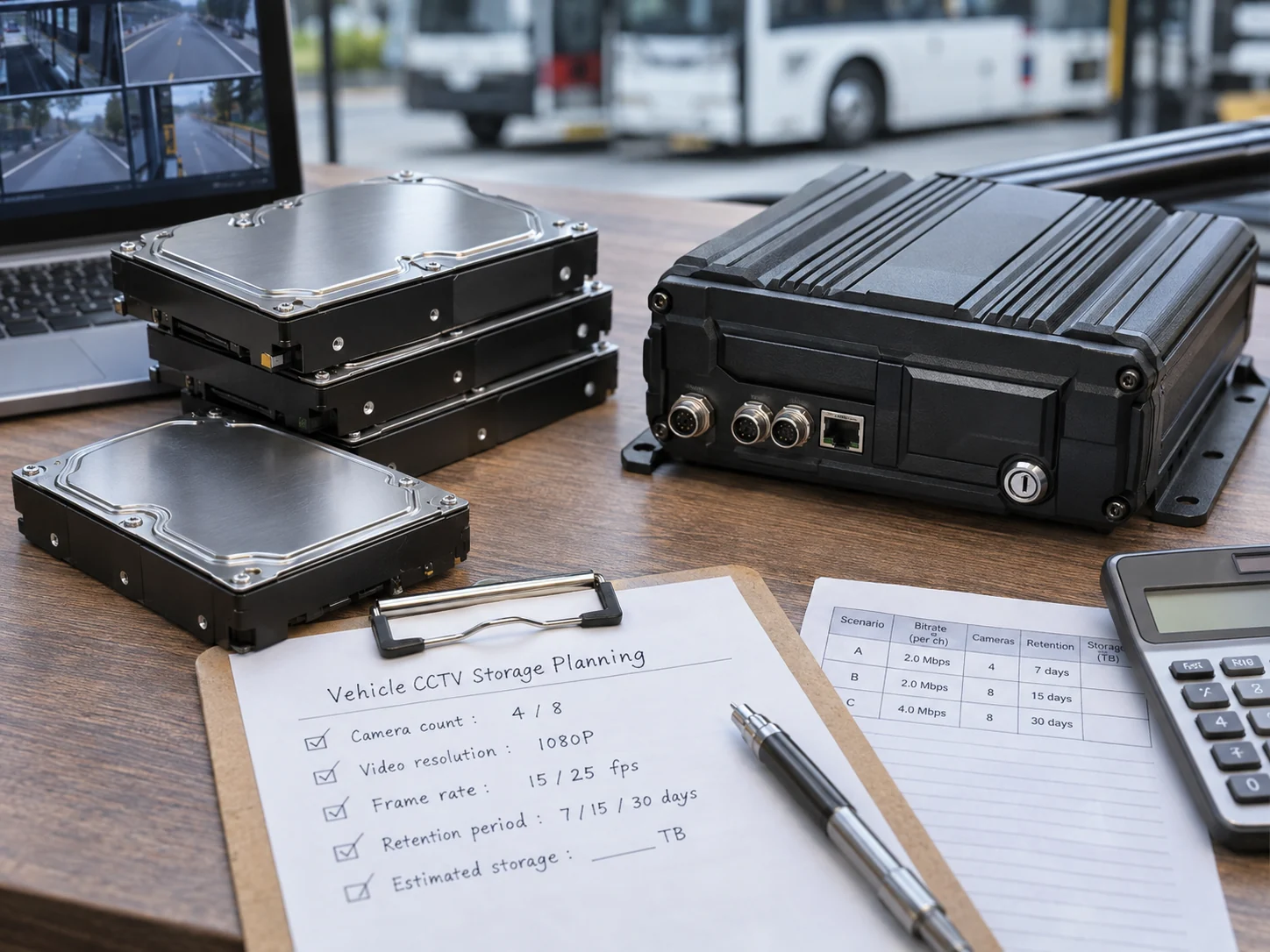
Resolution alone is not enough to calculate recording time. Two cameras recording at 1080p may produce very different file sizes depending on the codec, frame rate, compression settings and scene activity. For storage calculations, the useful figure is the average bitrate of the stream actually being recorded.
Using decimal storage units (1 GB = 1,000 MB and 1 TB = 1,000 GB), the calculation is:
Video storage (GB) = number of channels × average bitrate per channel (Mbps) × total recording hours × 0.45
One Mbps corresponds to 450 MB per hour. If the channels have different bitrates or recording schedules, calculate each separately and add the results.
| Channels | Average bitrate per channel | Recording schedule | Total hours per channel | Video storage |
|---|---|---|---|---|
| 2 | 2 Mbps | 3 days × 12 h | 36 | 64.8 GB |
| 4 | 2 Mbps | 3 days × 12 h | 36 | 129.6 GB |
| 4 | 2 Mbps | 3 days × 24 h | 72 | 259.2 GB |
| 4 | 4 Mbps | 3 days × 24 h | 72 | 518.4 GB |
| 4 | 2 Mbps | 30 days × 24 h | 720 | 2,592 GB |
These are planning examples, not the customer’s actual camera settings or measured recording results. Allow additional capacity for audio, file overhead, protected recordings and variations in bitrate. For example, keeping 20% of usable recording capacity in reserve would increase the 259.2 GB example to a requirement of 324 GB of usable capacity. A compatible 512 GB storage device might be sufficient in that example, but a nominal 512 GB label is not a guarantee of usable recording space.
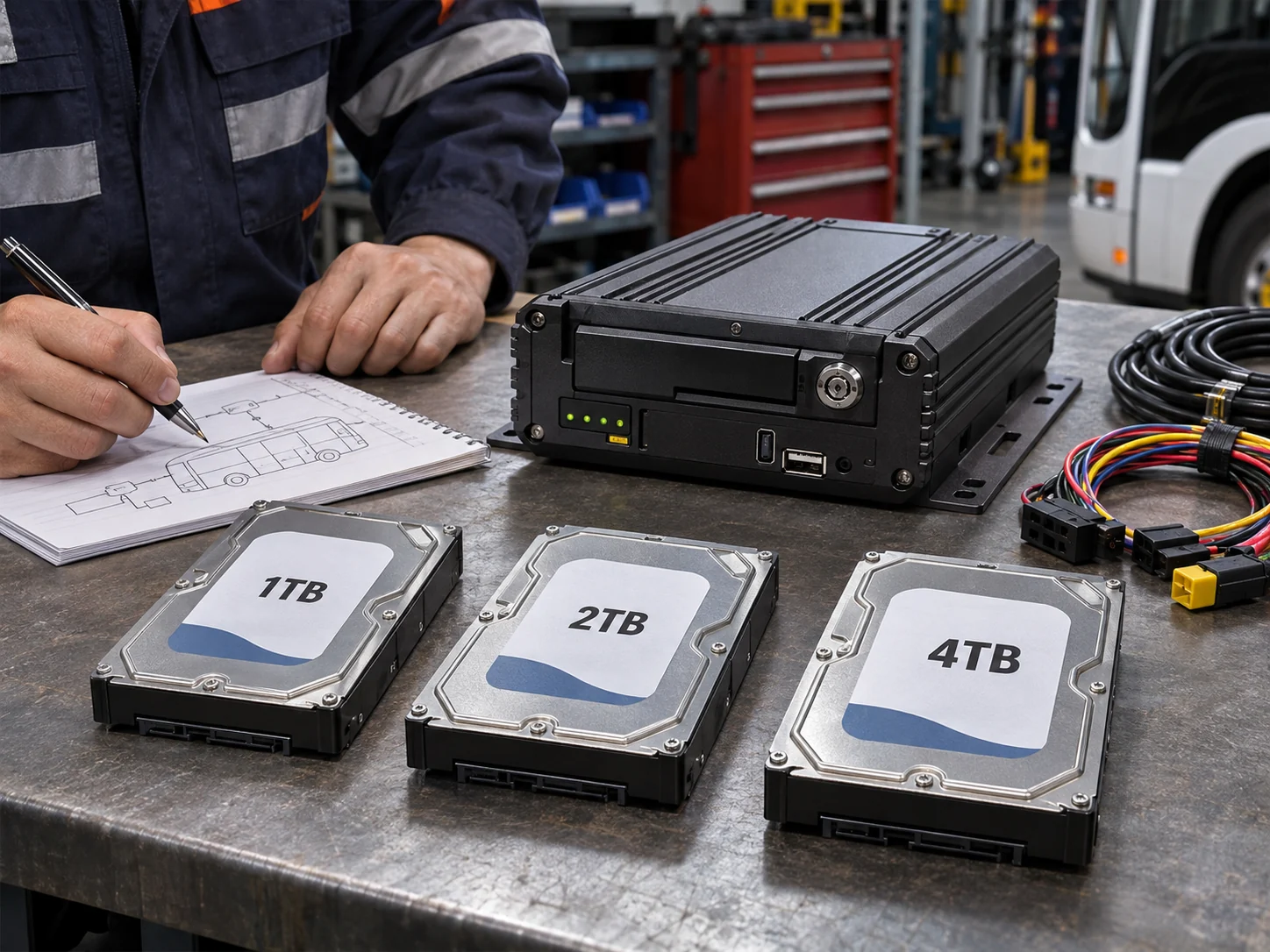
Would a 2TB hard drive be enough?
In our correspondence, I used two estimated recording rates for the MDVR under discussion: approximately 703 MB per camera per hour at quality Level 4 and 450 MB per camera per hour at Level 8, its lowest quality setting. Using decimal units consistently, four channels would consume about 2.812 GB or 1.8 GB per hour respectively.
For 72 hours, that works out to approximately 202.5 GB or 129.6 GB of video. With an assumed 1,900 GB available for recordings, the theoretical continuous recording times would be about 28 days and 44 days respectively, before further allowances. These were sales-stage estimates, not measured retention tests. The actual resolution, frame rate, usable storage and recording configuration still needed confirmation.
So I would not rush to replace a 2TB drive for a three-day requirement. For a 30-day requirement, however, the choice of recording quality becomes much more important. Before reducing quality, check whether the exported video still shows the details needed for an incident investigation, including at night. A longer recording history is of limited value if the footage cannot answer the questions it was intended to answer.
Motion detection: a feature that can create a storage problem
The customer asked whether the MDVR could record whenever motion was detected. It is a reasonable idea for a parked vehicle, where there may be long periods of inactivity. On a moving tanker, however, much of the scene is changing anyway, so the saving may be smaller than expected.
There was a more important issue with the recorder we were discussing. I explained that its motion-triggered files were saved in protected storage and could not automatically be overwritten. If those files eventually filled the available space, new recording could stop. This was a warning about the recorder’s reported storage behaviour, not a failure observed on the customer’s vehicle.
For a fleet that wants recording to continue without manual intervention, I prefer ordinary continuous loop recording as the starting point. With loop recording correctly configured, the oldest eligible files are overwritten when the recording space is full. Protected event recording can still be useful, but only if there is a workable policy for its capacity, expiry, export and maintenance.
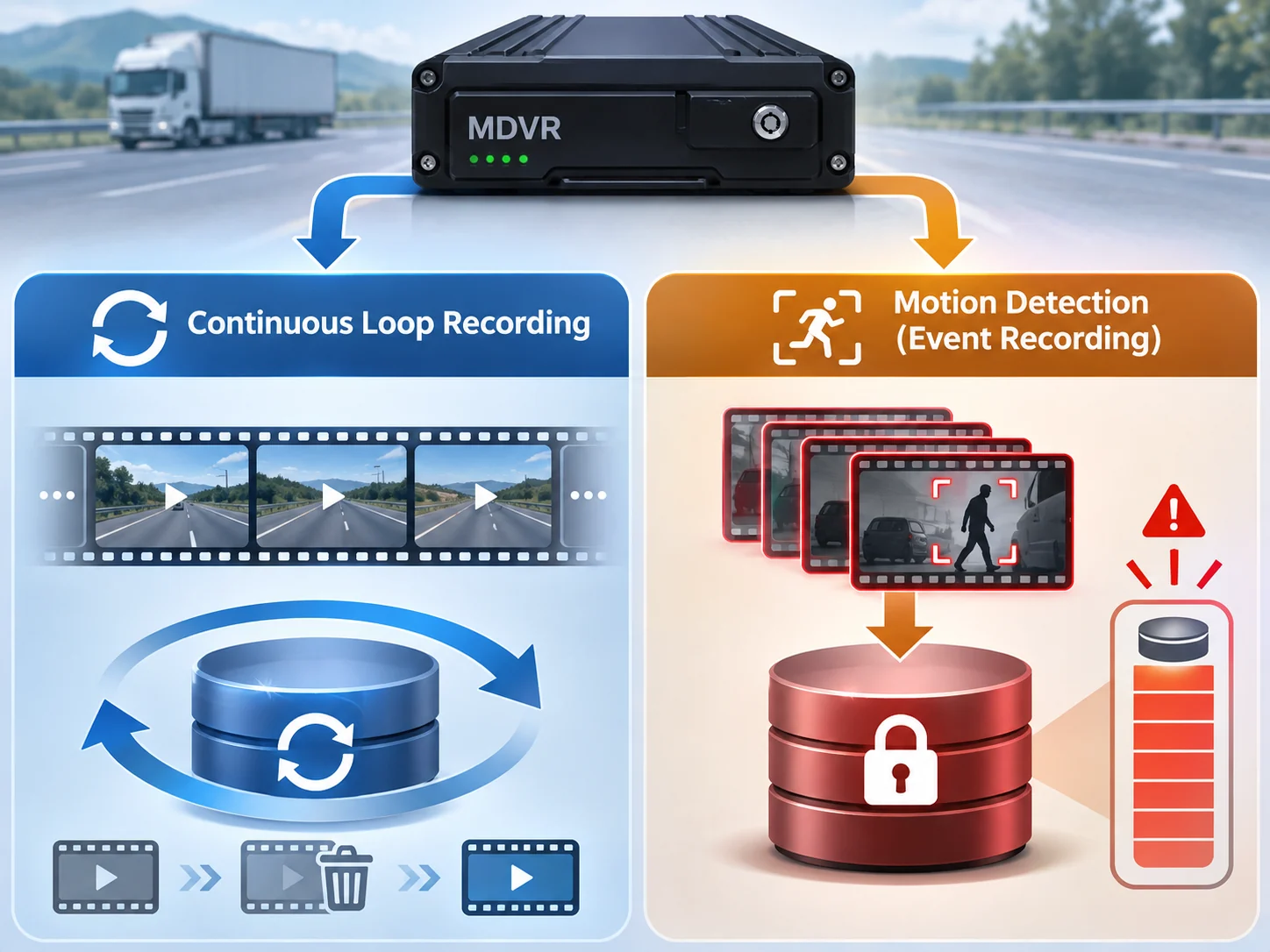
Not every MDVR handles motion events in the same way. Before selecting a recording mode, ask what happens when the protected area becomes full, whether new footage continues to be recorded and whether an alarm is generated. If formatting is required on a particular model, it is a maintenance operation, not an automatic retention strategy. Export and verify any required evidence before erasing storage.
Recording when the tanker is parked or its power is isolated
The customer wanted an external battery so nighttime recording would not drain the truck’s starting battery. They also asked about an automatic low-battery shutdown and switching between vehicle and backup power. We discussed auxiliary power as a possible solution, but the correspondence does not establish that a complete system was installed or tested.
For ordinary parking, I would first establish the required recording duration, the vehicle voltage, the ignition signal, the total power consumption of the recorder and cameras, and the permitted battery discharge limit. Battery runtime should be based on usable energy in watt-hours divided by the measured system load in watts, allowing for conversion losses, temperature and battery ageing. Nominal battery capacity is not the same as usable energy.
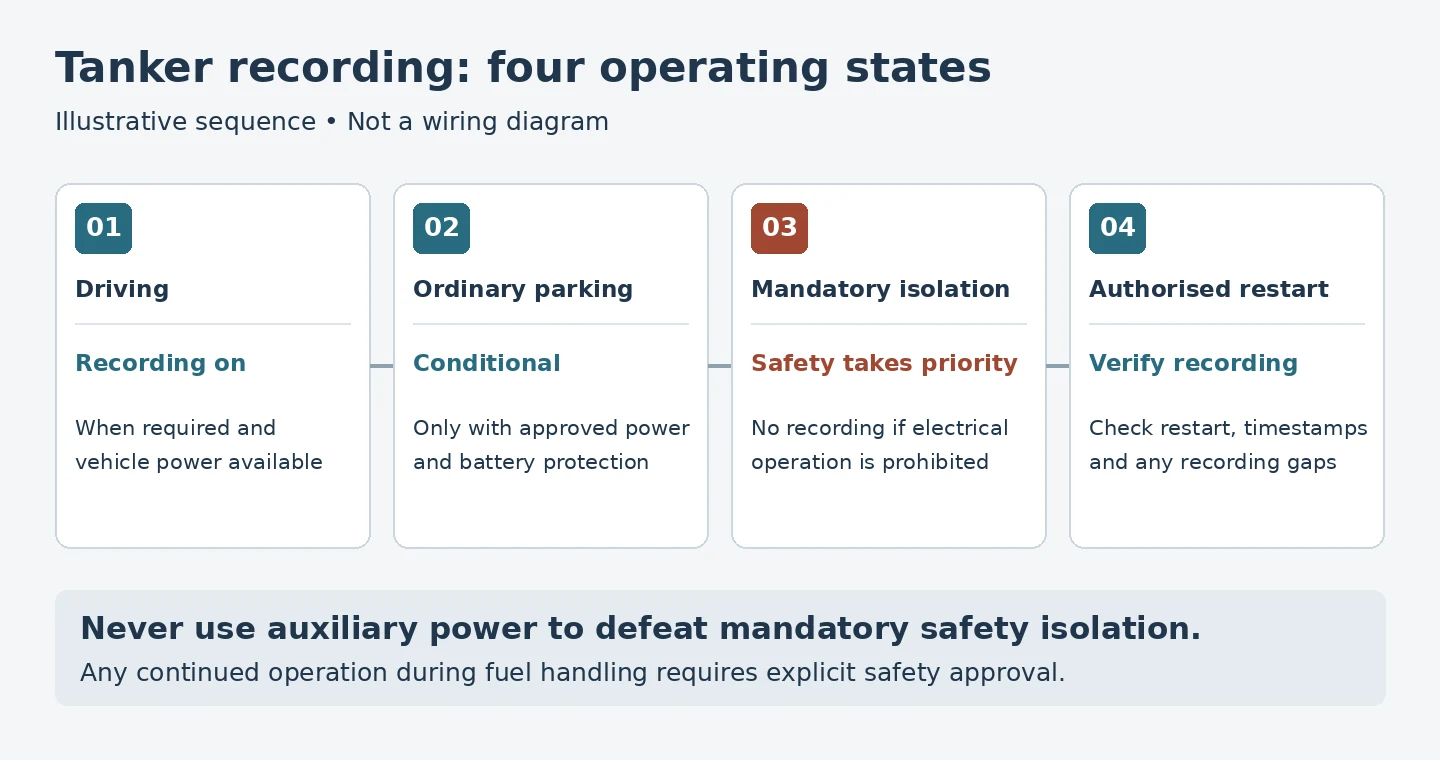
Fuel loading and unloading are a separate matter. An ignition-off parking mode must not be confused with a mandatory safety isolation procedure. An auxiliary battery must never be used to defeat a required electrical isolation. Any continued operation during fuel handling must be explicitly permitted by the responsible safety authority and assessed by qualified personnel for the installation location, hazardous-area requirements and complete electrical system. If recording is not permitted during an isolated period, document that gap in the recording requirement.
Do you need cloud recording as well?
In the later discussion, the customer also asked about cloud storage. My recommendation was to consider local recording on the MDVR first, with remote playback and downloads through the management platform when a connection is available.
Remote playback is not the same as keeping a second copy of every recording on a server. For example, four channels averaging 2 Mbps each would generate about 86.4 GB of video per day if recorded continuously for 24 hours. Uploading all that footage would require a sustained connection and substantial mobile data and server storage. Local recording with selected remote downloads may be more economical, but it does not protect footage if the recorder or drive is lost before a copy is made.
If off-vehicle evidence retention is essential, specify which clips must be uploaded, how interrupted uploads are handled and who is responsible for server storage. Storage faults and device-offline alerts should also be tested; an offline recorder cannot necessarily transmit an immediate alarm.
How I would verify three-day retention before a fleet rollout
I would ask for more than a screenshot showing a healthy hard drive or a playback calendar with three dates highlighted. The acceptance test should demonstrate that the required video can actually be retrieved.
- Configure a representative vehicle with the agreed channels, recording quality, schedule and approved power arrangement. Run it for longer than the required retention period under representative conditions.
- While recording continues, select the oldest required time in the rolling window (for example, just over 72 hours before the check if a small reserve has been specified). Export clips from every required channel at the 72-hour boundary, and check timestamps, playback quality and the recording timeline for unexpected gaps. For scheduled recording, use the agreed three-day working schedule instead.
- Separately verify full-storage behaviour, protected-event accumulation, permitted ignition-off recording, low-voltage shutdown and restart, and storage or connectivity alarms. Perform fault tests in a safe, controlled environment, not during fuel handling. Preserve test evidence and repeat after the recorder has entered normal overwrite operation.
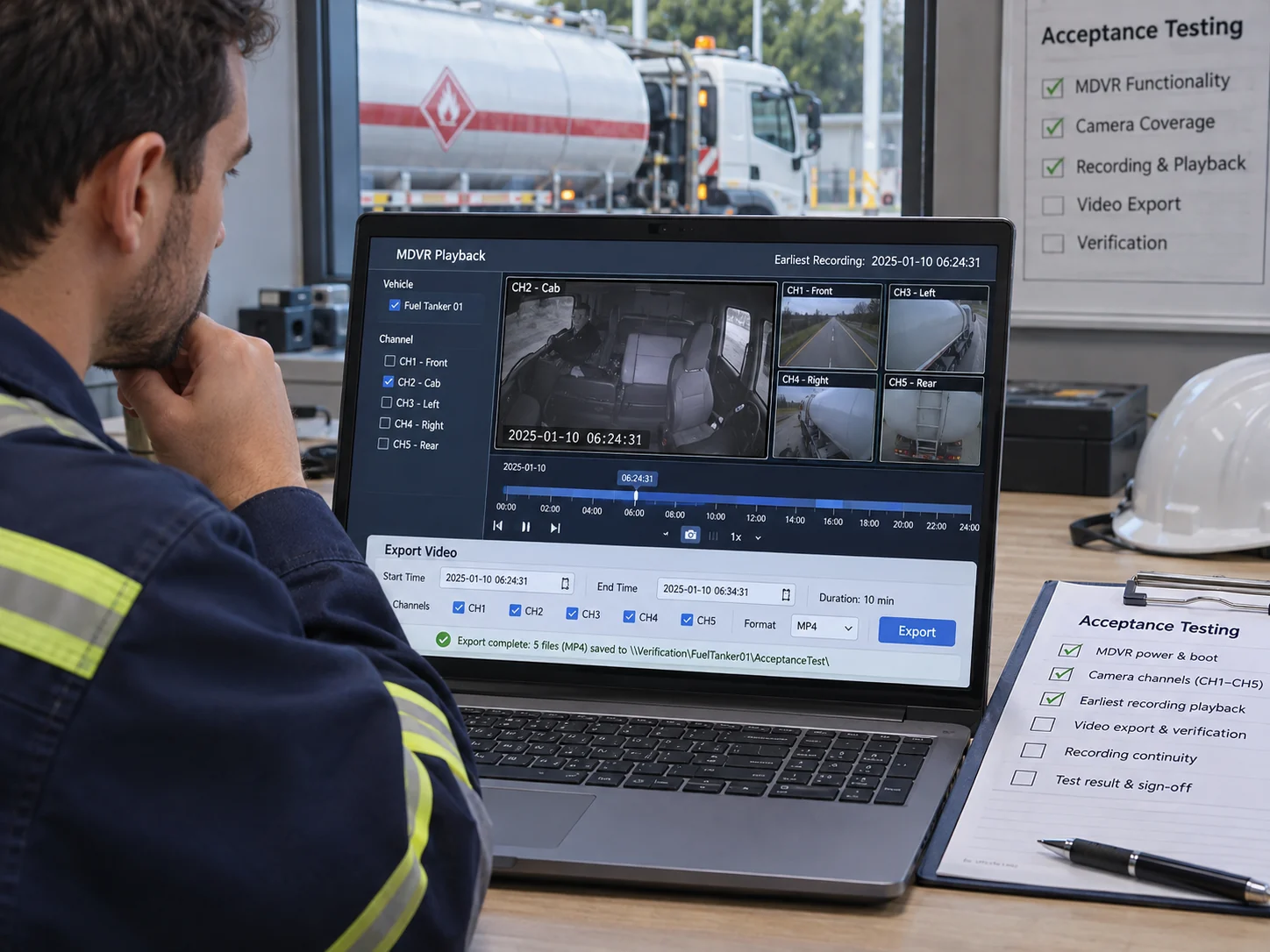
For a 30-day specification, repeat the retention test at the 30-day boundary. A short recording demonstration or a mathematical estimate cannot establish that the full requirement has been met.
What to include in a fuel tanker CCTV enquiry
If you are preparing a quotation for a tanker fleet, the following details will help us recommend a recording configuration rather than simply quote a hard drive:
- Vehicle type and quantity: ___
- Number of recorded cameras per vehicle and installation locations: ___
- Required resolution, frame rate, codec, average bitrate (if known) and audio: ___
- Retention target (rolling 72 hours, three working days, 30 days or other): ___
- Recording hours per day and required recording modes: ___
- Parking duration, vehicle voltage, approved power isolation rules and battery cutoff requirements: ___
- Existing MDVR model, firmware, storage type and usable capacity, if applicable: ___
- Remote playback, off-vehicle backup, event protection and alarm requirements: ___
- Installation approvals and acceptance test criteria: ___
Feel free to send these details to our team at Kysail. We can help estimate the storage required and identify which recording and power-management features need to be verified before ordering. For me, the most useful measure of a recording system is not the capacity printed on its hard drive. It is whether the footage you need is still there when you ask for it.