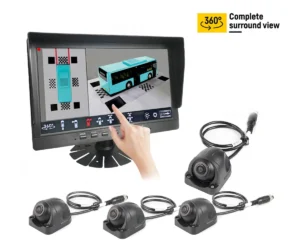
Two views in one cab? Ask for simultaneous split screen. One trailer moving between tractors? Find out what the next driver has to do to get a picture after hitching up.
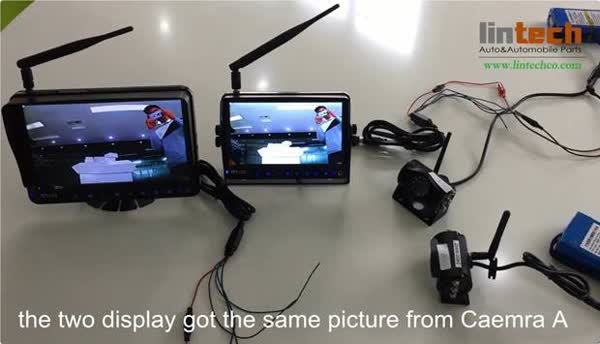
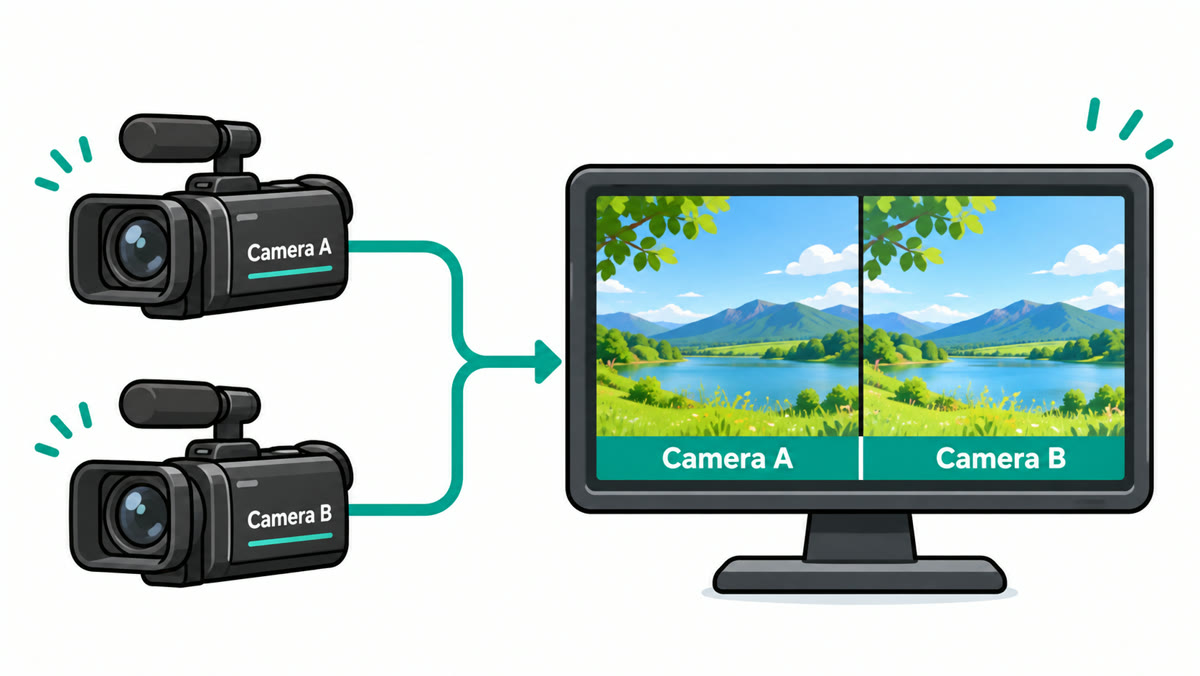
A buyer emailed me with a short question: could two wireless cameras share a seven-inch screen, and what would the set cost? I could give him a straight answer on the kit we quoted: yes, the driver could see both feeds together.
A month earlier we’d discussed leaving one camera on the trailer and putting a monitor in each tractor. On the digital kit we discussed then, the camera paired with one monitor at a time. Tractor B could take over, but its driver would have to pair the camera again. Imagine discovering that on the first early shift after a trailer swap.
Three ways to equip the fleet
| Setup | Best fit | Driver experience | What to budget for |
|---|---|---|---|
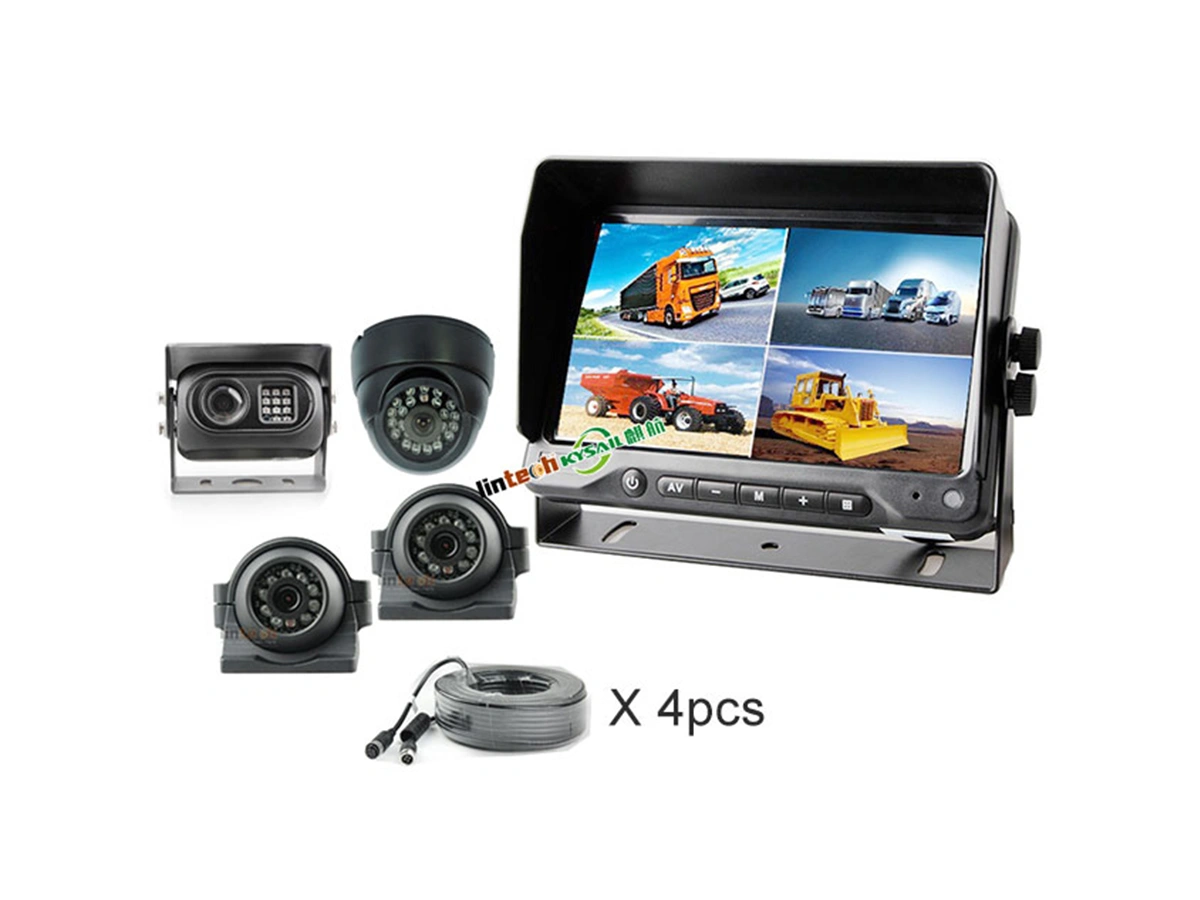
| Two wireless cameras, one split-screen monitor | One driver needs rear and side views together. | Both angles stay visible in one cab. Each view occupies less screen space. | One compatible monitor, two cameras, mounts and power at both camera positions. |
| One wireless trailer camera, alternating tractors | Occasional tractor swaps with time to pair at handover. | The trailer keeps its camera. On the kit discussed here, each change of tractor requires pairing. | A compatible monitor per tractor, plus driver time at each handover. |
| Wired connection across the hitch | Frequent swaps in a fleet with matching sockets. | The driver connects the video lead at coupling. Every participating tractor needs a matching connection. | Equipment and installation on each vehicle, sockets, a coiled lead and replacement leads over time. |
For a wired product example, the Kysail LW-070F4 lists four camera inputs with simultaneous display. That’s a useful specification to look for when you need several views. It’s a different model from the wireless set in this enquiry.
What I’d test before ordering a fleet batch
- Prove the split. Park the vehicle and point the two cameras at different objects. Can the driver identify both on screen at once? A channel-selection button alone doesn’t answer that.
- Do one real handover. With both rigs parked, move the trailer connection from tractor A to B, power up, and time how long it takes for the correct view to appear. Repeat after a power cycle. If both cabs need the same feed simultaneously, ask for that exact demonstration.
- Test the installed distance. Use the intended antenna positions and the full tractor–trailer length. Check image stability and delay with nearby wireless equipment operating. Ask for the supply-voltage range and weather rating of the exposed camera and connectors for the specific kit.
If you plan to retain existing wired cameras, check their AHD or CVBS signal compatibility before pricing a replacement monitor.
Which would I quote?
For two views in one cab, I’d start with the split-screen kit. For a trailer that changes tractors every shift, I’d price the wired handover alongside wireless and let the drivers try both. If swaps are occasional, a short pairing step may be perfectly workable. Our email exchange confirmed what the equipment could do; the buyer’s final choice isn’t recorded.
Send me your setup for a quote. You can paste this into your enquiry: “We have ___ tractors and ___ trailers. Each trailer needs ___ cameras. The driver needs to see ___ views at once. We swap trailers ___ times per shift. The existing screen is ___ and the vehicle supply is ___. Please quote the hardware per tractor and per trailer, and explain what the driver does at handover.”
Peter | Kysail